
Before and after
The reply everyone gets, next to the plan the vault produces
Both real. The same request, once without the vault and once with it.
50 hours requested
42 hours available, 33.6 hours planned for
Capacity arithmetic, shown
Sizing by vibe
One scale, splits enforced, totals agree
Ticket estimates
8-plus point tickets left whole
Nothing over 8 points left unsplit
Ticket size
Criteria nobody can check
Acceptance criteria a stranger could check
Ticket readiness
About two hours by hand
About four minutes
Time to a sprint plan
Every figure above is counted, not estimated.
You already know what to build. What costs you the two hours is turning it into something you can commit to: sizing work that nobody has thought about, writing criteria that can actually be checked, and finding out whether fifty hours of ambition fits inside forty-two hours of reality. This vault does that part. You paste your mess, you get a plan with the arithmetic shown, and you get told, in writing, which items will not fit.
What's inside
Everything the vault ships with
5 templates
Task capture, sprint plan, daily log, ticket readiness review, sprint review, and client update.
10 prompts
Including a five-message chained planning session that produces a capture sheet, a readiness review, a sprint plan, a day 1 position and a client kickoff note, all sharing the same ticket IDs.
The Brain
One instruction file that stops the AI writing friendly advice: no greetings, no invented file paths, no bug sized without reproduction steps, nothing over 8 points left unsplit.
7 setup guides
ChatGPT free, ChatGPT Plus, Claude free, Claude Projects, Gemini free, Gemini Gem, and one page telling you which to pick.
3 worked examples
Real output, honestly trimmed, with every cut marked.
3 bonuses
A one-page cheat sheet, a printable setup checklist, and a five-stage rescue plan for the day the plan stops being true.
GUIDE.html
The whole vault as one page with a copy button next to everything. Opens in a browser and works offline.
Every file, twice
Each file ships as both .md and .txt, because some tools refuse .md.
Pricing
Try it free, upgrade when you need the whole vault
Free kit
$0
free forever, no card required
- A working sample of the sprint tracker system
- The flagship Sprint Plan template plus its setup guide
- Enough to test the workflow on a real backlog before upgrading
Pro vault
$9.99
one-off payment, no subscription
- 5 templates: task capture, sprint plan, daily log, readiness review, client update
- 10 prompts, including a 5-message chained planning session with shared ticket IDs
- The Brain: rules against invented file paths, unsplit tickets and unverified velocity figures
- 7 setup guides for every platform and tier
- 3 worked examples, honestly trimmed
- 3 bonuses: cheat sheet, setup checklist, 5-stage rescue plan
- GUIDE.html, plus every file as both .md and .txt
About two and a half hours per sprint if you run the sprint yourself. Twenty-six sprints a year. Price it against one of those hours and the arithmetic makes itself.
It does not read your codebase and it does not estimate for you on its own authority. It writes the plan, does the arithmetic, and tells you what will not fit.
Objections
Before you ask
My tracker already does this.
Your tracker stores tickets. It does not write acceptance criteria, split an 8-point item, or tell you that your committed scope is 20 percent over your available hours. This vault produces what goes into the tracker.
AI estimates are worthless.
They are proposals, labelled as proposals, in every document. What the vault gives you is consistency: one scale, splits enforced, totals that agree, and a capacity table you can argue with. You still confirm the sizes at planning, in a quarter of the time.
It will hallucinate about my codebase.
It is specifically forbidden from inventing file paths, function names, library versions, endpoints, ticket IDs and past velocity figures. Where a detail is needed and you did not supply it, the output says [verify]. That is a design decision, and you will see it in the worked examples.
This is just prompts. I can write prompts.
You can. The templates are the part that is hard to write and easy to underestimate: the headings, the counts, the split rule, the verification lines, the self-check sections.
Do I need to pay for ChatGPT?
No. Everything works on free accounts. Creating a ChatGPT Custom GPT is the only paid step anywhere, and Claude Projects or a Gemini Gem give you the same permanent setup for nothing.
What if it does not work for my team?
Try the free kit on your own real backlog first. It is the same Brain and the same flagship template, and it will tell you in five minutes whether this fits how you work.
FAQ
Frequently asked questions
Does it work on free AI accounts?
Yes, all of it except a ChatGPT Custom GPT.
Is there anything to install?
No.
Will it replace Jira or Linear?
No. It produces what goes on the board.
Can it read my repository?
No, and it will not pretend to.
Is it a subscription?
No, you buy version 1.0 once.
What if I get stuck?
Troubleshooting covers eleven common failures with the exact line to send, then email support.
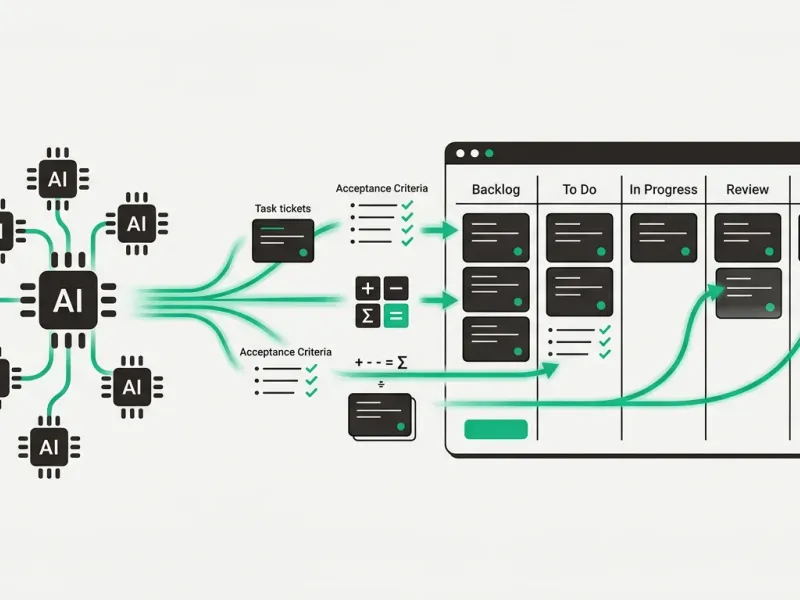
Your sprint plan, with the arithmetic done and the acceptance criteria written.
A sprint plan you can actually commit to.